
Background: If the P9 Agent is stopped on a computer, there may have been a problem with an update. Do not have the user run the modify or fix options for P9 when reinstalling. This can install a duplicate copy that causes problems. Instead, uninstall and reinstall. No reboot is usually needed.
- Press the Windows key or click the Windows icon in the bottom left corner of your screen
- Type uninstall and click Add or remove programs
- Scroll down to Panorama9 Setup and click Uninstall
- Click Uninstall
- Click Uninstall (yet again)
- Click Yes
- Click Close
- Repeat the above if there are more than one copy installed
- Once they are all gone, restart your computer (optional).
Reinstalling P9
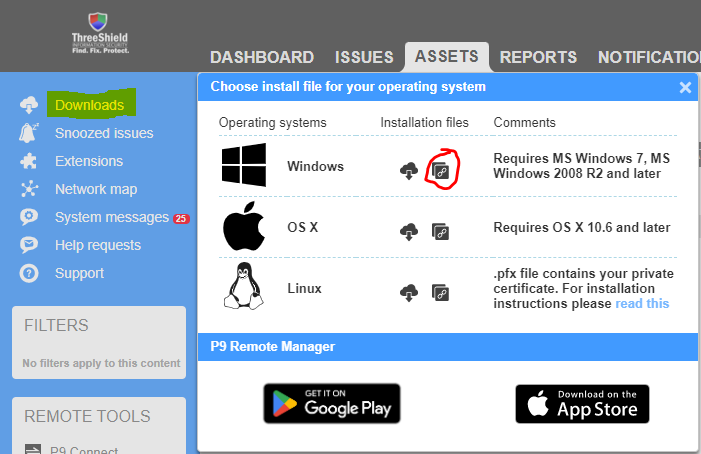
- Run the installer – the link to download be obtained from P9 dashboard.
- Click Install
- Click Yes
- Click Next
- Check the box and then click Next
- Click Next until you get to the congratulations page
- Click Finish